

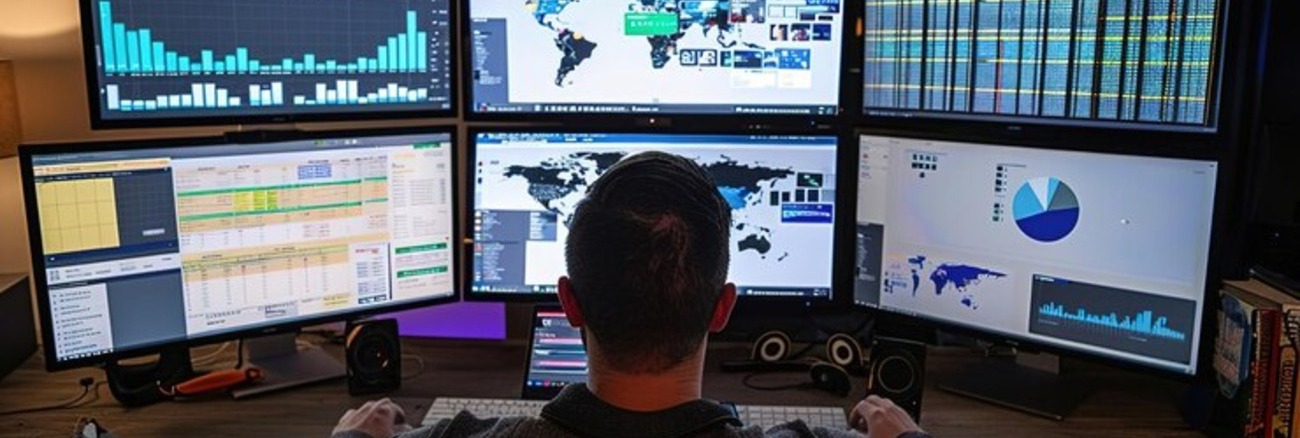
Remote Monitoring and Management (RMM) solutions are essential tools for IT service providers and internal IT teams to monitor, manage, and support devices and networks remotely. These platforms allow organizations to streamline IT operations, detect issues before they escalate, and provide proactive maintenance._
Types of RMM Solutions
- Cloud-Based RMM: Cloud-based RMM platforms offer flexibility and scalability, allowing IT teams to manage and monitor devices and networks from anywhere without the need for on-premise infrastructure. These solutions are ideal for businesses with distributed teams or remote workforces.
- On-Premise RMM: On-premise RMM solutions require installation on local servers, giving businesses more control over data security and system configuration. This option is suitable for client systems with stringent data security policies or those operating in highly regulated industries.
- Hybrid RMM: Hybrid RMM solutions combine both cloud-based and on-premise functionality, providing flexibility while maintaining control over certain aspects of the IT environment. This approach is ideal for businesses looking to balance scalability and control over sensitive data.
- Automated Monitoring and Alerts: Look for RMM solutions that provide real-time monitoring and automated alerts for device performance, network activity, and potential security threats. Automation ensures that issues are detected early, enabling IT teams to resolve them before they impact business operations.
- Remote Access and Support: Effective RMM platforms should allow technicians to access and troubleshoot remote devices securely. Prioritize solutions that offer integrated remote access tools, enabling your IT team to perform endpoint management and resolve issues without needing to be physically present.
- Patch Management: Patch management is critical for ensuring that devices and software remain up-to-date and secure. Choose monitoring and management software that automate the process of deploying patches and updates across all managed devices, minimizing vulnerabilities and ensuring compliance.
- Reporting and Analytics: Comprehensive reporting and analytics tools allow you to track device performance, identify trends, and generate reports for compliance and auditing purposes. Look for customizable dashboards and real-time reporting features to gain insights into your IT environment.
- Asset and Inventory Management: RMM platforms should include robust asset management features, enabling IT teams to track hardware, software, and licenses across the organization. This helps ensure that resources are utilized effectively and that device management is maximized.
- Security Management: With the increasing threat of cyberattacks, RMM solutions should offer integrated security features such as endpoint protection, antivirus, and threat detection. These features will help safeguard your IT environment from potential breaches and vulnerabilities.
- RMM in the Age of Remote Work:
As remote work becomes the new norm, businesses are relying on RMM solutions to manage distributed IT environments and endpoint devices. Learn how RMM tools are adapting to support remote teams and maintain network security across multiple locations.
- AI and Machine Learning in RMM:
Discover how artificial intelligence and machine learning are transforming RMM by enabling predictive analytics, automated issue resolution, and smarter monitoring of devices and networks.
- Cloud-Based RMM for Scalability:
Explore how cloud-based remote monitoring software are providing businesses with the flexibility and scalability to manage large and complex IT infrastructures efficiently and cost-effectively.
- Automated Patch Management:
With increasing cybersecurity threats, automated patch management is essential for keeping devices secure and compliant. Learn how RMM solutions are automating patch deployment to minimize vulnerabilities and reduce the risk of attacks.
- Compliance and Data Protection with RMM:
As businesses face stricter regulations around data privacy and security, RMM tools are helping organizations stay compliant. Discover how RMM platforms are integrating compliance features to ensure that data protection standards are met.
Key Features to Look For
When selecting an RMM solution, consider the following essential features:How to Evaluate RMM Solutions and Vendors
When evaluating RMM software, consider these criteria to ensure you choose the right solution:Assess Scalability for Growing IT Infrastructures.
As your business grows, your IT infrastructure will expand as well. Ensure that the RMM solution can scale to manage additional devices, users, and locations without performance degradation. A key benefit of RMM is ensuring your remote IT management team can operate efficiently long-term.
Evaluate Integration with Existing Tools.
Check if the RMM solution integrates seamlessly with your existing IT management and service desk tools. Integration with systems like ticketing platforms, asset management, and network monitoring ensures a more unified and streamlined IT management process.
Review the Vendor's Support and Training Programs.
Choose a vendor that offers comprehensive support services, including onboarding, ongoing training, and 24/7 technical assistance. Strong vendor support is crucial for ensuring the smooth implementation and operation of your RMM platform.
Check for Automation Capabilities.
Automation is a critical feature of RMM solutions. Evaluate the platform’s ability to automate routine tasks such as system monitoring, software updates, and alert management. Effective automation reduces the workload on IT staff and helps prevent manual errors.
Analyze MSP Experience in RMM.
Consider the managed services provider's (MSPs) experience and reputation in providing RMM solutions. Look for case studies, customer reviews, and testimonials that demonstrate the vendor’s expertise in managing IT environments similar to yours.
RMM Research Insights
Topics of Interest
To stay informed on the latest trends in RMM, consider exploring these popular topics:Recommended Resources for Further Learning
Based on recent engagement within the Contentree community, here are the most popular resources to help grow your understanding of Remote Monitoring and Management solutions:Improving Patient Safety with Remote Monitoring
This case study explores how remote monitoring solutions were used to enhance patient safety in healthcare facilities. Learn how real-time monitoring and automated alerts helped medical professionals deliver better patient care and prevent critical incidents.
Insight into Remote Monitoring for IT Systems
Discover how a company leveraged advanced remote monitoring solutions to streamline its IT operations. This case study highlights the importance of continuous monitoring and proactive maintenance to reduce downtime and optimize system performance.
Asynchronous Remote Monitoring Goes Mainstream
This white paper discusses the increasing adoption of asynchronous remote patient monitoring, particularly in healthcare. Learn about the benefits of real-time data collection and analysis in improving patient outcomes and reducing healthcare costs.
A Final Word on Remote Monitoring and Management Solutions
Choosing the right Remote Monitoring and Management solution is essential for efficiently managing your IT infrastructure and providing proactive support to your users. By selecting a solution with robust monitoring, automation, and remote access features, you can ensure that your IT environment runs smoothly and securely.