

Remote Servicing and Maintenance: Best Tools for Remote Work Site Support
- What Is Remote Servicing and Maintenance?
- Common Remote Maintenance Services
- Benefits of Remote Servicing and Maintenance
- Challenges Maintenance Leaders Should Consider
- How to Evaluate Remote Maintenance Tools
- Best Tools for Remote Work Site Maintenance and Support Services
- Choosing the Right Tool by Use Case
- How to Implement a Remote Maintenance Program
- The Future of Remote Maintenance Services
- Building a Scalable Remote Maintenance Strategy
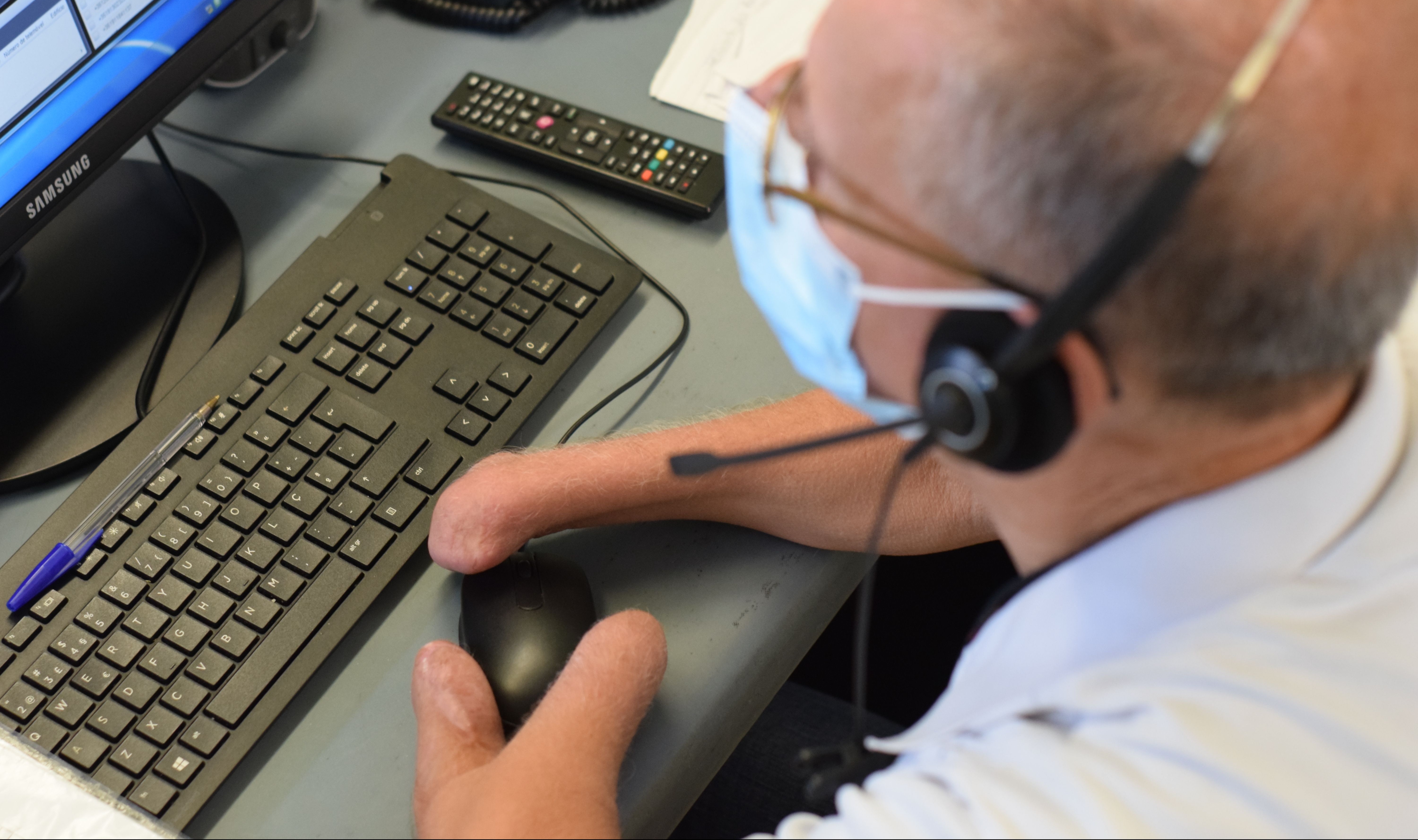
Remote servicing and maintenance is becoming a core operating capability for organizations with distributed equipment, facilities, and technical teams.
Maintenance leaders are under pressure to reduce downtime while controlling travel costs and responding to technician shortages. At the same time, assets are becoming more connected and more complex. Sending a specialist to every work site is often too slow or expensive.
Remote maintenance services address this challenge by connecting on-site workers with experts, asset data, digital instructions, and secure technical support. The right platform can help teams diagnose faults faster, complete inspections consistently, and resolve some issues without an additional site visit.
This guide explains how remote servicing works, what to evaluate, and which tools support different maintenance environments.
What Is Remote Servicing and Maintenance?
Remote servicing and maintenance is the use of connected technology to inspect, diagnose, support, or maintain equipment and IT systems from another location.
A technician may use a phone, tablet, wearable device, or smart glasses to show an expert what is happening at the site. The expert can then provide instructions through video, voice, documents, screen sharing, or augmented reality annotations.
In other cases, maintenance teams use sensors and asset management software to monitor equipment condition remotely. Alerts can identify abnormal performance before a technician reaches the asset.
Remote maintenance does not eliminate on-site work. It improves how organizations decide when a visit is necessary and helps field teams arrive with better information.
Common Remote Maintenance Services
Remote maintenance services can include:
- Live video troubleshooting
- Remote equipment inspections
- Augmented reality guidance
- Digital work instructions
- Condition and performance monitoring
- Preventive maintenance planning
- Secure remote access to IT systems
- Work order documentation
- Expert escalation and collaboration
The best operating model often combines several of these capabilities rather than relying on one platform for every task.
Benefits of Remote Servicing and Maintenance
The clearest benefit is faster access to expertise. A technician at a remote site does not need to wait for a senior engineer to travel. The engineer can inspect the problem through a live video session and guide the technician through the next steps.
This can reduce mean time to diagnose and mean time to repair. It can also improve first-time fix rates because technicians receive more accurate guidance before replacing components or escalating the issue.
Remote support may also reduce travel. Organizations can reserve specialist visits for repairs that genuinely require physical intervention.
Other benefits include more consistent inspections, better maintenance records, improved knowledge transfer, and safer evaluation of hazardous or difficult-to-access assets.
For global remote inspection and maintenance services, remote tools can also help standardize how work is completed across regions. Teams can use the same checklists, escalation procedures, and documentation requirements at every site.
Challenges Maintenance Leaders Should Consider
Remote support depends heavily on infrastructure. Poor connectivity can interrupt live sessions or reduce video quality. Maintenance leaders should test platforms under actual site conditions rather than assuming that office-level connectivity will be available.
Hardware also matters. Phones and tablets may be sufficient for basic inspections, but hands-free repairs may require compatible wearable devices. Lighting, noise, protective equipment, camera positioning, and battery life can all affect usability.
Integration is another concern. A remote assistance session creates limited long-term value when its findings never reach the organization’s CMMS, EAM, field service, or IT service management platform.
Security must also be evaluated carefully. Remote access to equipment or computers should be governed through appropriate authentication, permissions, encryption, session controls, and audit records.
Finally, adoption requires more than software deployment. Technicians need clear guidance on when to start a remote session, who to contact, what evidence to capture, and how to document the resolution.
How to Evaluate Remote Maintenance Tools
Maintenance leaders should begin with a defined use case. A tool for guiding a mechanical repair is different from a platform for monitoring asset health or accessing an employee’s computer.
Evaluate each platform across six areas.
Collaboration and Visual Guidance
Look for live video, audio, messaging, annotations, document sharing, and expert escalation. For hands-free work, review compatibility with smart glasses and voice controls.
Inspection and Documentation
Assess whether technicians can capture photos, videos, readings, checklist responses, timestamps, and signatures. Confirm that completed records can be searched and exported.
Maintenance Management
Determine whether the platform handles assets, preventive maintenance, work orders, parts, failure histories, and reporting. Some remote assistance tools need to be paired with a CMMS or EAM platform.
Connectivity
Test performance on low-bandwidth networks. Offline work order access can be important for mines, utilities, construction sites, vessels, and other isolated locations.
Integration and Scalability
Review available APIs and connections with existing business systems. Global organizations should also evaluate language support, regional data requirements, user administration, and device management.
Security and Total Cost
Compare licensing, hardware, implementation, training, integration, and support costs. A low subscription price may not result in a low total cost if the platform requires extensive customization.
Best Tools for Remote Work Site Maintenance and Support Services
The following tools serve different parts of the remote maintenance process. Some focus on visual collaboration. Others provide asset management, digital work instructions, inspections, or remote IT maintenance services.
1. TeamViewer Frontline
TeamViewer Frontline is designed for industrial frontline work. Its remote assistance capability allows an expert to see what an on-site worker sees and provide guidance through live video, audio, text, markers, and shared documents. It can also support wearable devices and other augmented reality workflows.
Key features include:
- Live remote expert support
- Augmented reality annotations
- Smart-glasses support
- Document and media sharing
- Digital inspection and work guidance
- Central administration through Frontline Command Center
This is best for manufacturers, utilities, and industrial service organizations that want hands-free support and guided frontline workflows. One watchout is that wearable deployments require more preparation than a basic mobile video tool. Teams may need to configure devices, integrations, and role-specific workflows.
2. Microsoft Dynamics 365 Remote Assist
Dynamics 365 Remote Assist connects technicians and inspectors with remote collaborators through Microsoft Teams, HoloLens, and supported mobile workflows. It can display contextual guidance, spatial annotations, reference images, and field service information during a session.
Key features include:
- Microsoft Teams collaboration
- Spatial annotations
- Hands-free HoloLens support
- Remote inspections
- Dynamics 365 Field Service integration
- Capture of session information and repair evidence
This is best for organizations already invested in Microsoft Teams, Dynamics 365, and related identity systems. One downside is the platform’s dependency on the wider Microsoft environment for its strongest workflows.
Maintenance leaders should also review Microsoft’s current product lifecycle and transition guidance before making a long-term investment. Microsoft has published information about Remote Assist and Dynamics 365 Guides reaching end of support, so future deployment plans should be validated carefully.
3. ServiceMax Zinc
Vuforia Chalk was previously a common choice for augmented reality remote assistance. PTC has announced a transition away from Chalk and is directing customers toward ServiceMax Zinc. New buyers should therefore evaluate Zinc rather than treating Vuforia Chalk as a long-term platform.
The core use case remains straightforward. Technicians share a live view of an equipment problem, while experts provide visual and collaborative guidance.
Key capabilities to evaluate include:
- Secure technician communication
- Live expert collaboration
- Image, video, and document sharing
- Knowledge capture
- Service-team messaging
- Integration with field service processes
This is best for service organizations that need structured collaboration between technicians, dispatchers, and subject matter experts. The main watchout is the product transition. Organizations moving from Chalk should confirm feature equivalence, migration requirements, licensing, and roadmap details.
4. SightCall
SightCall provides remote visual support for field service and customer service teams. It combines live video, augmented reality guidance, visual evidence, and AI-assisted capabilities. It can operate as a standalone environment or connect with CRM, field service, and contact center systems.
Key features include:
- Live video support
- Augmented reality annotations
- Visual inspection workflows
- Photo and video evidence
- AI-supported visual assistance
- APIs and enterprise integrations
This is best for global service organizations that want visual support embedded into a broader service operation. One watchout is implementation scope. The platform will deliver more value when organizations define how sessions are launched, categorized, documented, and connected to existing service records.
5. Help Lightning
Help Lightning focuses on visual remote assistance through merged-reality collaboration. A remote expert can demonstrate actions visually rather than relying only on spoken instructions.
Key features commonly associated with this approach include:
- Live video collaboration
- Visual demonstrations
- Remote expert hand gestures
- Session recording
- Mobile device support
- Guided troubleshooting
This is best for technically complex repairs where showing a procedure is more effective than describing it. One downside is that results depend on clear camera positioning, stable connectivity, and technician comfort with live visual collaboration.
6. IBM Maximo Application Suite
IBM Maximo Application Suite is broader than a remote assistance tool. It brings asset management, maintenance, inspections, reliability, and AI-supported capabilities into a unified enterprise environment.
Key features include:
- Enterprise asset management
- Work order management
- Preventive maintenance
- Mobile inspections
- Asset performance monitoring
- Reliability and predictive capabilities
- Facilities and infrastructure management
This is best for large organizations that manage complex, high-value asset portfolios and need remote maintenance within an enterprise asset management strategy. The watchout is implementation effort. Maximo can require significant process design, data preparation, integration, governance, and training.
7. Fiix CMMS
Fiix is a cloud-based CMMS for planning, tracking, and optimizing maintenance. Its mobile application allows technicians to manage assets, parts, and work orders from different locations. It also supports offline work, with updates synchronized when connectivity returns.
Key features include:
- Mobile work orders
- Preventive maintenance scheduling
- Asset histories
- Parts and inventory records
- Photos and maintenance notes
- Offline access
- Reports and integrations
This is best for small and midsize maintenance teams that need practical coordination across several sites. One limitation is that Fiix is primarily a maintenance management platform. Organizations needing live augmented reality support may need to connect it with a separate visual assistance tool.
8. Splashtop Enterprise
Splashtop Enterprise supports remote computer access and technical support. IT teams can use attended or unattended access to troubleshoot computers and supported devices across distributed workplaces. Enterprise options include capabilities such as single sign-on, session recording, access controls, APIs, and service desk tools.
Key features include:
- Attended and unattended access
- Cross-platform remote support
- User and device administration
- Session recording
- Single sign-on
- Granular access controls
- Remote computer management
This is best for IT teams delivering remote IT maintenance services to offices, facilities, and remote work sites. One downside is that it does not replace a physical asset maintenance or inspection platform.
9. Augmentir
Augmentir is an AI-powered connected worker platform. It combines digital work instructions, remote expert collaboration, skills information, and operational insights for manufacturing and service teams. Its remote assistance capabilities can support mobile and wearable devices.
Key features include:
- Digital work instructions
- Live remote expert support
- Skills and workforce insights
- Mobile and wearable access
- Guided inspections
- Frontline performance analytics
- Connected worker workflows
This is best for industrial organizations that want to combine remote support with workforce development and standardized work execution. One watchout is content readiness. The organization must create, validate, and maintain useful digital procedures to gain the full benefit.
10. SafetyCulture
SafetyCulture is often used for digital inspections, operational checklists, issue reporting, and corrective action management. It can help distributed teams complete consistent inspections and provide evidence from remote sites.
Key features include:
- Configurable inspection checklists
- Photo and issue capture
- Corrective actions
- Asset-related records
- Mobile access
- Reporting dashboards
- Standardized audit workflows
This is best for organizations focused on inspection consistency, compliance evidence, and visibility across many locations. One limitation is that it may need to be paired with a CMMS, EAM, or live assistance platform for complex maintenance planning and troubleshooting.
Choosing the Right Tool by Use Case
For augmented reality and hands-free industrial support, TeamViewer Frontline and Augmentir are strong options to evaluate.
For visual customer or field service support, SightCall provides a focused combination of video, visual guidance, and enterprise integration.
For enterprise asset management, IBM Maximo offers the broadest maintenance and reliability scope among the tools covered here.
For mobile CMMS capabilities, Fiix provides accessible work order and asset management, including support for offline maintenance work.
For remote IT maintenance services, Splashtop Enterprise is more relevant than physical asset platforms because it is designed for secure access to computers and supported digital devices.
Organizations should be cautious about selecting platforms based on brand recognition alone. The strongest tool is the one aligned with the actual maintenance workflow.
How to Implement a Remote Maintenance Program
Start with one or two high-value use cases. Good candidates include equipment that causes expensive downtime, sites with high travel costs, and repairs that regularly require senior expertise.
Next, assess connectivity, devices, cybersecurity, and system integration. Test the proposed solution in real working conditions.
Document a standard remote support process. Define who can request help, who receives the request, how quickly experts should respond, what information must be collected, and when the issue should be escalated to an on-site visit.
Run a limited pilot with selected technicians and assets. Measure the results before expanding.
Useful metrics include:
- Mean time to diagnose
- Mean time to repair
- First-time fix rate
- Avoided site visits
- Equipment downtime
- Remote session volume
- Technician adoption
- Cost per service event
Pilot results should be reviewed with technicians as well as managers. Frontline feedback will reveal practical problems that dashboards may not show.
The Future of Remote Maintenance Services
Remote maintenance platforms are expanding beyond video calls.
AI-assisted tools can help identify components, summarize sessions, retrieve technical knowledge, and recommend troubleshooting steps. Condition monitoring can detect changes in asset behavior before failure. Digital twins can give engineers a virtual representation of equipment for analysis and planning.
Drones, robots, and fixed cameras are also increasing the reach of global remote inspection and maintenance services. These technologies can collect data in dangerous, elevated, confined, or geographically isolated areas.
The long-term direction is toward connected maintenance ecosystems. Asset data identifies a problem, software creates a work order, a technician receives guided instructions, and an expert joins remotely when needed. The completed work then improves the organization’s maintenance knowledge base.
Building a Scalable Remote Maintenance Strategy
Remote servicing and maintenance can reduce delays, extend access to scarce expertise, and improve maintenance consistency across distributed operations.
Success depends on choosing tools around defined operational needs. Visual collaboration platforms support live troubleshooting. CMMS and EAM systems manage assets and work. Remote IT tools support computers and digital infrastructure. Connected worker platforms help standardize instructions and knowledge transfer.
Maintenance leaders should focus first on workflow, integration, security, and technician adoption. Technology can make expertise available from anywhere, but it must fit the way maintenance work is actually performed.
