- What Is Secure Video Surveillance?
- How Secure Video Surveillance Differs From Standard Camera Setups
- Why Secure Video Surveillance Matters in Commercial Buildings
- Core Components of a Secure Video Surveillance Strategy
- Common Risks and Challenges With Video Surveillance Systems
- How to Evaluate Secure Video Surveillance Solutions
- Leading Types of Secure Video Surveillance Solutions
- Key Features to Prioritize in Secure Video Surveillance
- Implementation Best Practices for Commercial Building Teams
- Final Thoughts on Building a More Secure Surveillance Program
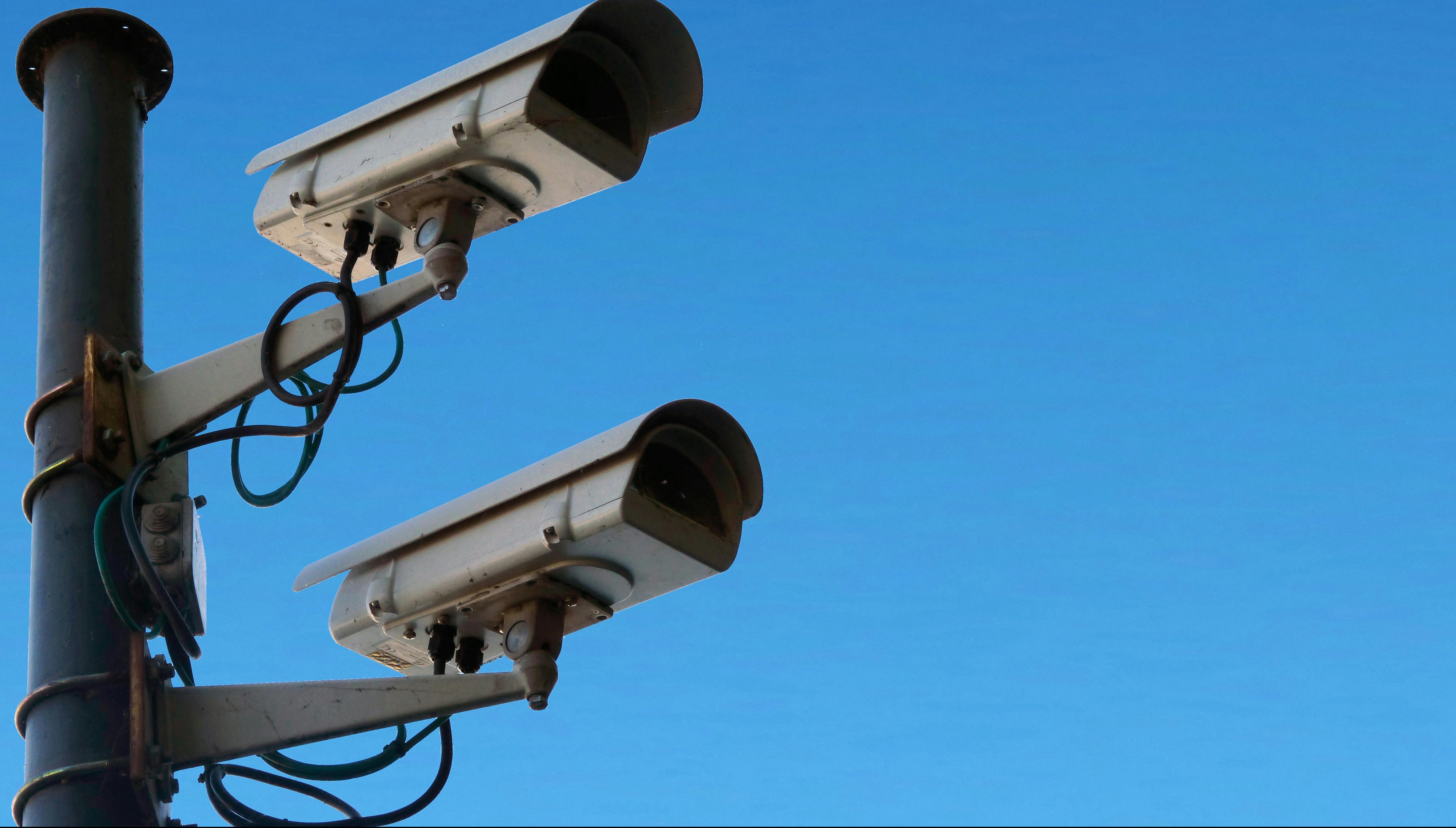
Security expectations have changed for commercial properties. Building owners, facilities leaders, and property managers are now responsible for protecting people, assets, and sensitive operational data. At the same time, tenants expect environments that feel safe and professionally managed.
Secure video surveillance plays a central role in meeting these expectations. Modern systems do far more than record footage. They help monitor activity, support incident investigations, and provide real-time operational visibility.
However, installing cameras alone is not enough. Without proper cybersecurity, access control, and governance, a video surveillance system can create new risks instead of reducing them. For commercial building professionals, the goal is to implement secure video surveillance that protects both physical spaces and digital infrastructure.
This guide explains how secure video surveillance works, why it matters for commercial buildings, and how leadership teams can evaluate and deploy effective video surveillance systems.
What Is Secure Video Surveillance?
Secure video surveillance refers to a video monitoring system designed with both physical security and cybersecurity in mind. It combines cameras, networking infrastructure, software platforms, and governance policies to ensure footage is captured, stored, and accessed safely.
A properly secured system protects video data from unauthorized viewing, tampering, or theft. It also ensures that only authorized personnel can monitor or retrieve recordings.
How Secure Video Surveillance Differs From Standard Camera Setups
Many buildings install cameras primarily for monitoring entrances, hallways, and common areas. While these setups provide visibility, they do not automatically qualify as secure.
A secure system incorporates several additional controls:
- Encrypted video transmission
- Role-based user access
- Secure authentication methods
- System activity logs
- Regular software updates and patching
Without these controls, video surveillance systems may become entry points for cyberattacks or unauthorized monitoring.
Where Video Surveillance Systems Fit Into Building Operations
Video surveillance systems support several operational functions across a commercial property.
Security teams use them to monitor entrances, parking areas, and high-traffic zones. Facilities teams rely on them to investigate incidents, verify maintenance issues, and review safety events. Property management can also use footage when addressing tenant concerns or liability claims.
When deployed correctly, secure video surveillance becomes part of a broader building management strategy rather than a standalone security tool.
Why Secure Video Surveillance Matters in Commercial Buildings
For commercial property leaders, video surveillance is both a safety measure and a risk management tool.
High-quality, secure surveillance helps deter crime, improve response times during incidents, and create reliable documentation when events occur.
Rising Expectations Around Safety and Accountability
Tenants, employees, and visitors increasingly expect visible safety measures in commercial spaces. Office buildings, retail environments, warehouses, and mixed-use properties all face similar expectations.
A well-managed surveillance system demonstrates that building leadership takes security seriously. It can also improve confidence among occupants and reduce disputes when incidents occur.
The Cost of Weak Surveillance Security
Poorly secured systems can expose organizations to significant risks.
Common issues include:
- Unauthorized access to camera feeds
- Data breaches involving recorded footage
- Cameras being disabled or manipulated
- Missing or corrupted incident recordings
When these failures occur, the consequences can include legal exposure, reputational damage, and increased operational costs.
Core Components of a Secure Video Surveillance Strategy
Effective surveillance programs rely on several technical and operational components working together.
Camera Hardware and Physical Placement
Camera quality and placement have a direct impact on system effectiveness. Poorly positioned cameras create blind spots and may produce footage that cannot support investigations.
Key considerations include:
- Coverage of entrances, exits, and common areas
- Lighting conditions
- Weather-resistant equipment for outdoor installations
- Resolution capable of capturing useful details
Strategic placement often matters more than simply increasing the number of cameras.
Network Security and Encryption
Because most video surveillance systems are connected to internal networks or cloud platforms, cybersecurity is essential.
Important protections include:
- Encrypted video transmission
- Segmented networks for security devices
- Secure remote access protocols
- Protection against unauthorized device connections
Without these safeguards, surveillance systems can become vulnerable points in the building’s IT environment.
User Access Controls and Permission Management
Not every staff member should have the same level of access to surveillance footage.
Secure systems typically use role-based access controls. These determine who can:
- View live feeds
- Search recordings
- Export footage
- Change system configurations
Access logs should also track all user activity to maintain accountability.
Storage, Retention, and Backup Policies
Recorded video must be stored securely and retained according to operational and legal needs.
Organizations typically choose between:
- On-premises storage using local servers
- Cloud-based storage managed by a vendor
- Hybrid models combining both approaches
Retention policies determine how long footage is kept before automatic deletion. Backup strategies help ensure that important recordings are not lost due to system failure.
Common Risks and Challenges With Video Surveillance Systems
Even well-funded surveillance projects can fail if key risks are not addressed.
Cybersecurity Vulnerabilities in Connected Systems
Modern surveillance equipment often connects directly to the internet or internal networks. This connectivity creates potential vulnerabilities.
Risks can include:
- Default or weak device passwords
- Outdated firmware
- Unsecured remote access tools
- Third-party vendor vulnerabilities
Regular updates and security reviews are necessary to keep systems protected.
Privacy Concerns and Regulatory Considerations
Surveillance programs must balance security with privacy expectations.
Commercial buildings generally limit camera placement to public and operational areas such as entrances, hallways, and parking structures. Clear signage is often used to inform occupants that monitoring is in place.
Data handling policies should also define how footage is stored, who can access it, and how it may be used.
Coverage Gaps, Blind Spots, and Poor Footage Quality
A system that cannot clearly capture events offers limited value.
Common design problems include:
- Cameras installed at incorrect angles
- Inadequate lighting conditions
- Low-resolution equipment
- Overlapping or redundant coverage
Careful planning and periodic audits help ensure the system remains effective.
The Issue of Hidden Video Surveillance
Hidden video surveillance raises particularly sensitive concerns in commercial environments.
While covert cameras may occasionally be used for specific investigations, their use can create legal and ethical challenges. Employees and tenants may view hidden monitoring as invasive or deceptive.
For most commercial properties, transparent surveillance policies and clearly visible cameras help maintain trust while still supporting security goals.
How to Evaluate Secure Video Surveillance Solutions
Choosing the right system requires more than comparing camera specifications. Leadership teams should evaluate the broader platform and operational requirements.
Questions to Ask Before Selecting a System
Before committing to a solution, building leaders should ask vendors questions such as:
- How is video data encrypted and protected?
- What authentication methods control user access?
- How frequently are software updates released?
- How easy is system management across multiple properties?
- What support services are included?
These questions help identify vendors that prioritize security and long-term reliability.
Scalability Across Multiple Properties or Locations
Organizations managing several buildings should consider how well a surveillance system scales.
Centralized management platforms allow security teams to monitor multiple sites through a single interface. This approach simplifies administration and helps maintain consistent policies across properties.
Integration With Access Control and Building Management Tools
The most effective surveillance systems integrate with other building technologies.
For example, linking cameras with access control systems allows security teams to verify entry events. Integration with alarms and building management platforms can also improve response times during emergencies.
Leading Types of Secure Video Surveillance Solutions
Commercial building leaders typically encounter three main types of surveillance architecture. Each category supports different operational needs, infrastructure requirements, and management styles. Modern systems also rely heavily on video management software (VMS), which connects cameras, manages footage, and provides centralized monitoring across locations.
Cloud-Based Video Surveillance Systems
Cloud-based video surveillance systems store video footage in vendor-managed cloud infrastructure. Administrators can monitor cameras, search recordings, and manage permissions through web dashboards or mobile applications.
These platforms are popular with organizations that manage multiple properties or distributed teams because they simplify updates, remote access, and centralized management.
Several widely used cloud surveillance platforms appear in the G2 video surveillance category, including:
- Verkada – A cloud-managed physical security platform that combines cameras, video management, and access control in a unified system.
- Rhombus – A cloud video surveillance solution designed for simplified deployment, advanced analytics, and system integrations.
- Coram AI – An AI-driven video surveillance platform that adds capabilities such as object recognition, license plate detection, and automated alerts.
- Lumana – A cloud-based security platform focused on AI analytics, real-time monitoring, and cross-camera tracking. - Alarm.com for Business – A platform that combines cloud surveillance with smart security automation and remote management tools.
This is best for organizations that want centralized visibility across multiple buildings with minimal on-site infrastructure. One downside is that these systems typically involve recurring subscription costs and require careful review of vendor security and data management practices.
On-Premises Video Surveillance Systems
On-premises surveillance systems store footage on local servers or network video recorders within the building’s infrastructure. This architecture gives organizations direct control over video data, hardware configuration, and network security policies.
Many enterprise environments still rely on traditional video management systems designed to run locally and integrate with existing camera networks.
Examples of well-known on-premises or hybrid-capable platforms include:
- Avigilon Control Center (ACC) – A powerful video management platform that provides advanced search capabilities, analytics, and centralized monitoring for large camera networks.
- Genetec Omnicast – A scalable video management system used by enterprises and campuses to manage distributed surveillance infrastructure.
- OnSSI Ocularis / On-Net Surveillance Systems – A platform designed for centralized video monitoring and event-based alert management across large environments.
- CompleteView VMS (Salient Systems) – A video management solution focused on real-time monitoring, incident alerts, and camera network management.
This is best for organizations with strong IT teams or strict data control requirements. One downside is the higher upfront infrastructure cost and ongoing responsibility for maintaining servers, software updates, and cybersecurity protections.
Hybrid Video Surveillance Systems
Hybrid video surveillance systems combine local recording with cloud-based management or analytics. These deployments allow organizations to maintain on-site performance while benefiting from cloud dashboards and remote access.
Hybrid platforms are increasingly common in commercial real estate portfolios because they allow gradual modernization without replacing all existing hardware.
Several modern surveillance platforms support hybrid deployments, including:
- Spot AI – A system that adds AI analytics and cloud search capabilities to existing camera infrastructure. - Cisco Meraki MV Smart Cameras – Cloud-managed cameras that include onboard analytics and encrypted storage.
- Brivo – A cloud security platform that integrates access control and video surveillance across distributed properties.
This is best for organizations that want a balance between local reliability and cloud flexibility, especially across multiple properties. One downside is that hybrid architectures can become complex if governance policies and system configurations are not standardized.
Key Features to Prioritize in Secure Video Surveillance
When evaluating vendors, several capabilities consistently provide the most value.
- End-to-End Encryption: Encryption protects video data both during transmission and while stored. This prevents unauthorized interception and access.
- Centralized Management Dashboards: A unified dashboard allows administrators to manage cameras, user permissions, alerts, and system health from one location.
- Audit Trails and Event Logs: Detailed logs track who accessed or exported footage. This transparency supports investigations and ensures accountability.
- Smart Alerts and Analytics: Many modern systems include motion detection and AI-assisted analytics that identify unusual activity. When configured properly, these features can reduce monitoring workloads and improve response times.
Implementation Best Practices for Commercial Building Teams
Successful surveillance programs depend on thoughtful planning and ongoing management.
Conduct a Property-Specific Risk Assessment
Each building has unique security requirements. Risk assessments help identify high-priority areas such as entrances, parking facilities, loading zones, and shared spaces.
Define Governance Before Rollout
Clear policies should define:
- Who can access surveillance footage
- How long recordings are stored
- When footage may be exported or shared
- How system activity is monitored
These policies reduce confusion and protect the organization from misuse.
Train Staff and Review System Performance Regularly
Training ensures that security and facilities teams understand how to operate the system effectively.
Regular audits can identify blind spots, outdated equipment, or configuration issues that may reduce security over time.
Final Thoughts on Building a More Secure Surveillance Program
Secure video surveillance is no longer just about installing cameras. It is about building a complete security ecosystem that protects people, property, and data.
For commercial building leaders, the most effective programs combine strong technology with thoughtful governance and regular system oversight. When these elements work together, video surveillance systems become powerful tools for improving safety, managing risk, and maintaining trust within modern commercial environments.